Affiliate Disclosure: Links on this page may earn us a commission. Our reviews are independent.
How to Delete Your CrushOn AI Account and Cancel Your Subscription
CrushOn AI account management has two separate actions that are often confused: cancelling a subscription (stops future billing, keeps account active) and deleting an account (permanent, removes all data). You might want one without the other. This guide covers both, plus the subscription cancellation method for each billing platform.
Cancel Subscription: Web Method
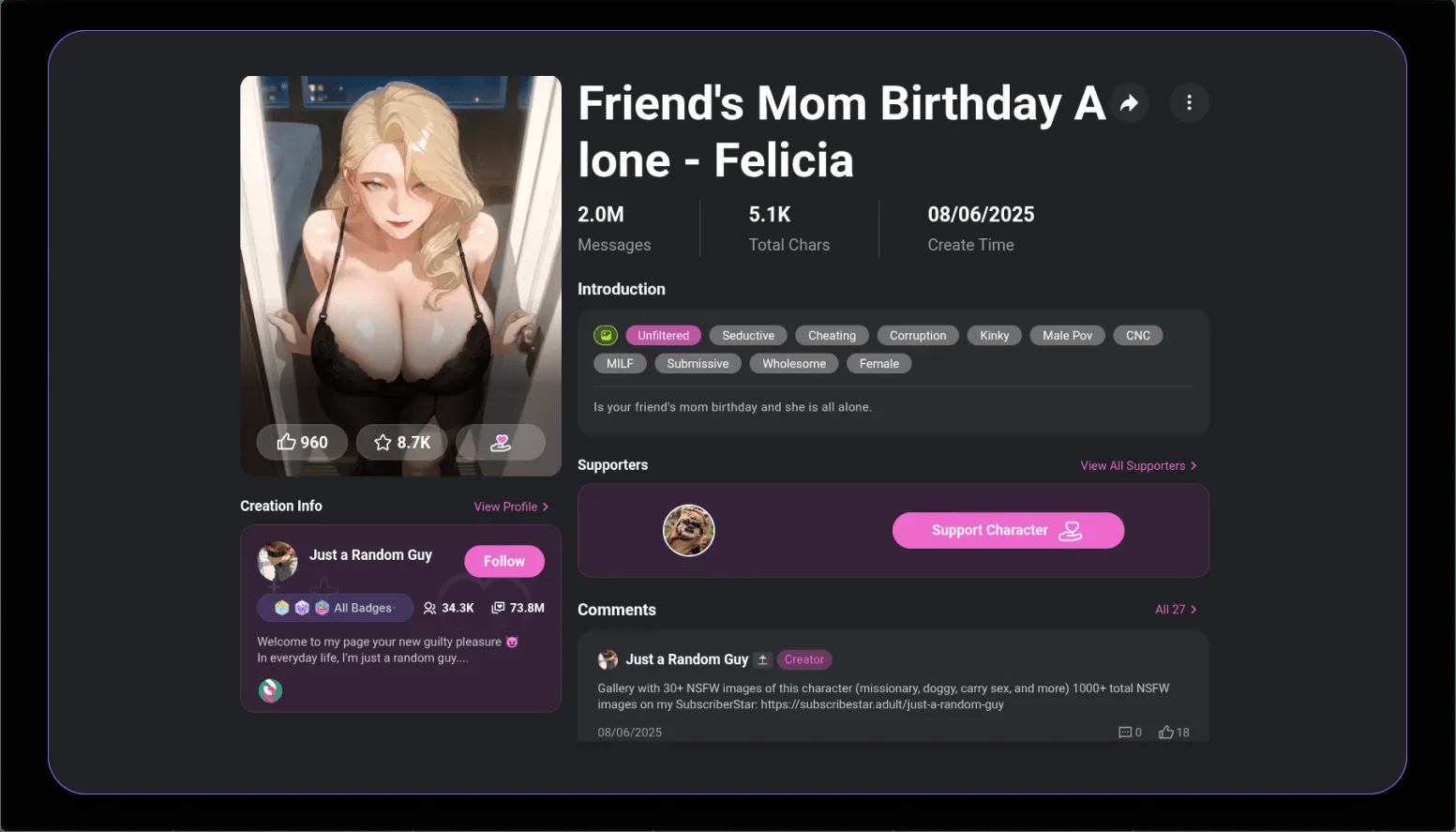
- Log in at crushon.ai
- Click your profile icon (top-right corner)
- Go to Account Settings or Subscription Settings
- Find "Manage Subscription"
- Click "Cancel Plan" / "Cancel Subscription"
- Confirm when prompted
- Access continues until the billing period ends
Cancel Subscription: iOS (App Store)
- iPhone Settings app > tap your name > Subscriptions
- Find CrushOn AI in the list
- Tap "Cancel Subscription" > Confirm
- If CrushOn AI is not listed, you subscribed via web — use the web method above
Cancel Subscription: Android (Google Play)
- Google Play Store > tap profile picture > Payments & subscriptions > Subscriptions
- Tap CrushOn AI > Cancel subscription
- Follow confirmation prompts
After cancelling through any method: no cancellation fee, access continues until the paid period ends, account reverts to free tier when the period expires.
Delete Account: Steps
Account deletion is permanent and irreversible. Removes all conversations, characters, coin balance, and account data.
Before deleting:
- Cancel your subscription first to prevent further billing
- Save any content you want to keep
Deletion steps:
- Log in to crushon.ai
- Profile > Settings > Account
- Find the account deletion option (usually at the bottom of account settings)
- Confirm the deletion request
- CrushOn AI processes deletion manually within approximately 48 hours
If deletion option is not visible: Contact CrushOn AI support directly via email requesting manual account deletion. Provide your registered email address. Staff process requests manually.
Delete Messages Without Deleting Account
To remove specific conversations:
- Open the conversation
- Look for three-dot menu or settings icon on the conversation
- Select "Delete Conversation" or "Clear Chat"
- Confirm
Individual messages may be deletable by long-pressing (mobile) or right-clicking (desktop) a specific message.
FAQ
Your subscription features stay active until the current billing period ends. The account then reverts to the free tier (50 messages/day). No charges occur after cancellation. No cancellation fee is charged.
Yes. Once processed (within ~48 hours), account deletion cannot be reversed. All data, conversation history, and created characters are permanently removed.
Web subscriptions: contact Subscribestar with your account details. iOS: use Apple's App Store refund process (Settings > [name] > iTunes & App Store). Android: use Google Play's refund system within 48 hours of a charge. CrushOn AI does not have a direct self-service refund window.
Yes. Public characters you created are removed from the community library when your account is deleted. Other users who were interacting with them lose access.
CrushOn AI's terms do not explicitly prohibit multiple accounts, but creating duplicate accounts to circumvent limits may violate terms of service. Check current terms if this is relevant to your situation.